CAD training · Beginner level

SolidWorks design, from your first sketch to a technical drawing.

A progressive introduction to parametric modeling: learn to build parts, simple assemblies and basic documentation through a structured workflow.

Sabrina Daniela ChaileIndustrial Designer · Course author
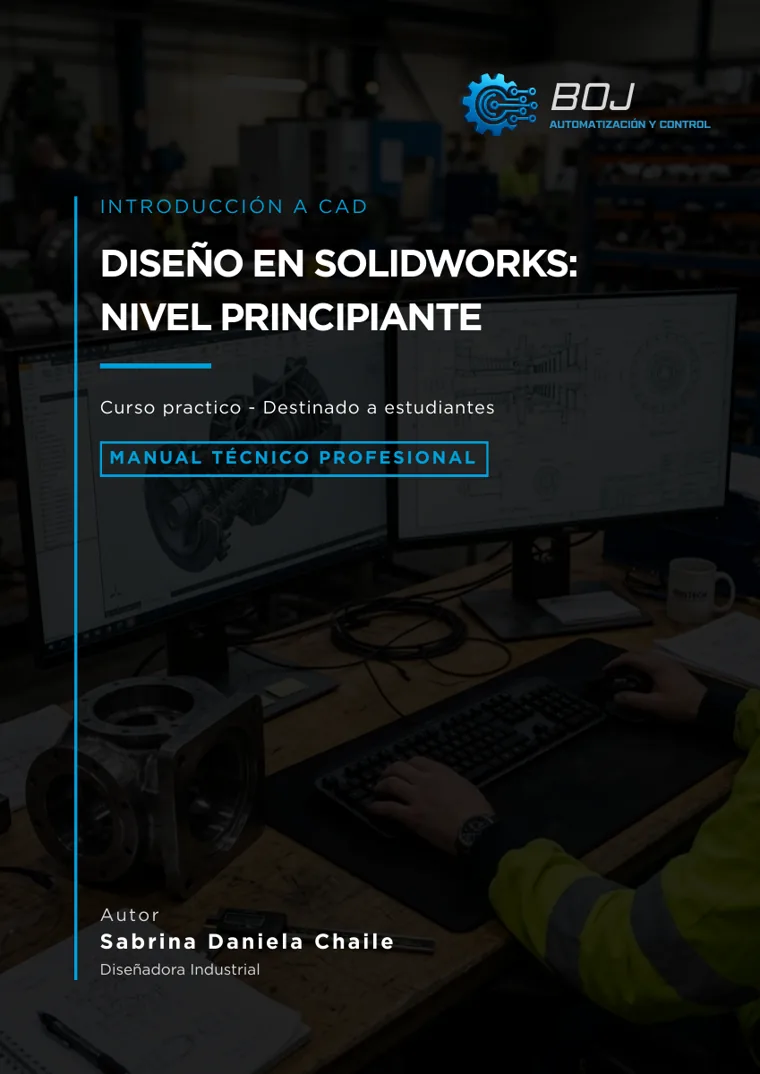
Preliminary cover of Design in SolidWorks: beginner level, by Sabrina Daniela Chaile
Cover of the course overview material.
Course status

Program in development. Enrollment is not open yet.

The syllabus has been outlined. We will publish the format, requirements, opening date and price here once confirmed.

Learn in a clear sequence

Understand the model before repeating commands.

The learning path starts with the workspace and sketches. It then introduces 3D features, editing, assemblies and drawings. Each stage builds on the previous one so you can understand how a model is created and changed.

  • Start from scratch
  • Parametric modeling
  • From part to drawing
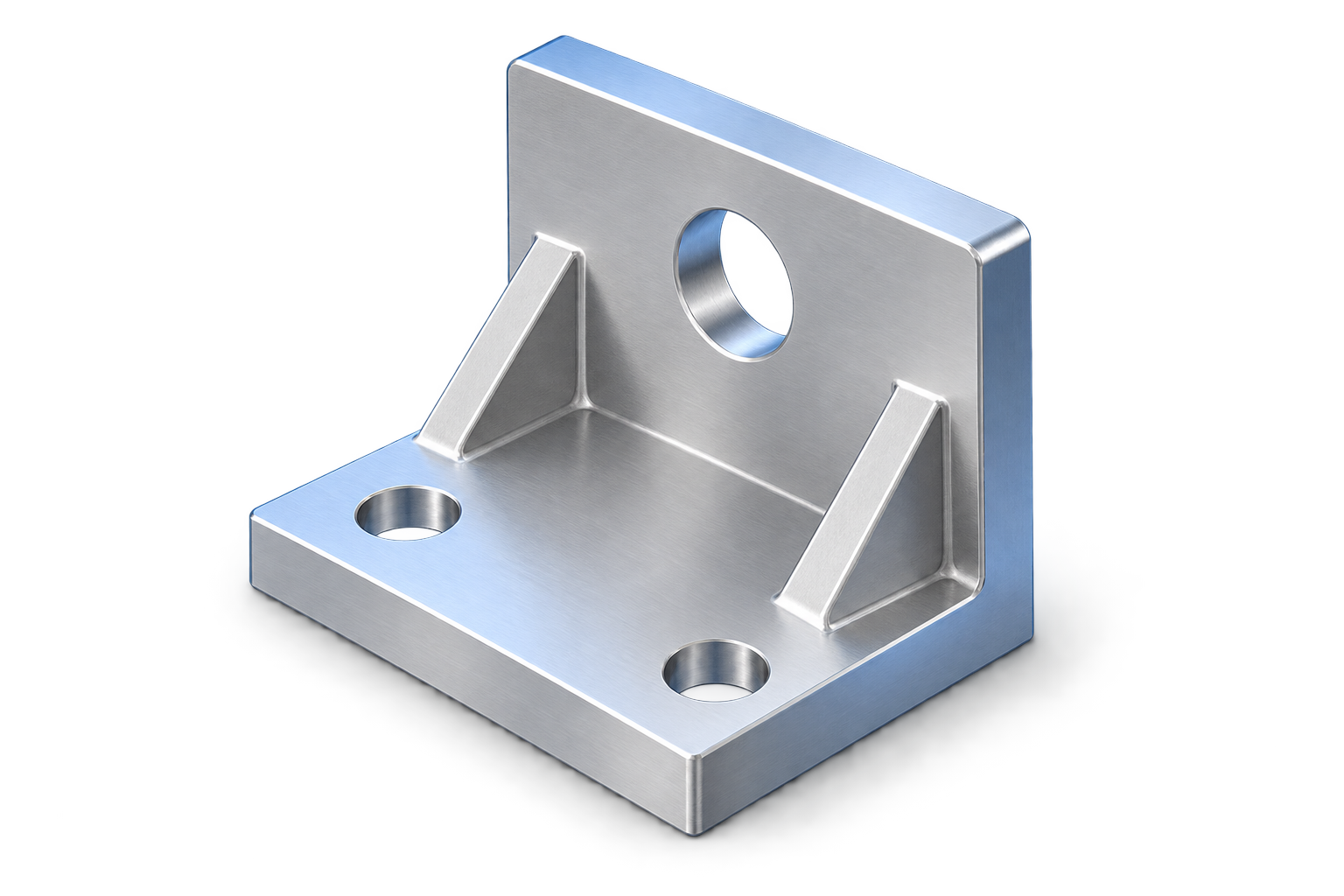
Illustration of a 3D mechanical mounting bracket with bolt holes and triangular gussets
Illustrative CAD part; not a screenshot from the course.
Who it is for

A useful foundation for different starting points.

01

Students and CAD beginners

For a first step into CAD and the logic of 3D modeling.

02

Technicians and drafters

For representing parts, making simple changes and preparing technical documents.

03

Designers and entrepreneurs

For developing 3D concepts and parts for projects, manufacturing or presentations.

Advanced experience is not required. Basic technical drawing and computer skills are helpful.

Technical syllabus

Six modules in a sequence designed to build sound practice.

This is the syllabus planned in the course overview. Open each module to see its main topics.

01Introduction to SolidWorksExplore the interface, document types and first decisions before creating a part.View topics
  • CAD design and document types
  • Interface and unit setup
  • Creating part files
  • 3D navigation and rebuilding
  • Good working practices
02Sketches and geometric definitionDraw, constrain and dimension sketches to control their geometry.View topics
  • Starting sketches and basic entities
  • Geometric relations
  • Smart Dimension
  • Degrees of freedom and sketch status
  • Additional tools and good practices
03Basic features and 3D modelingTurn sketches into parts and understand how features are connected.View topics
  • Extrudes, cuts and revolves
  • Hole Wizard
  • Fillets, chamfers and shells
  • Reference planes and axes
  • Mirrors, linear and circular patterns
  • Materials, measurements and mass properties
04Editing and troubleshootingModify models while tracking dependencies and interpreting warnings.View topics
  • Editing sketches and features
  • Feature tree and dependencies
  • Suppressing, restoring and reordering
  • Model errors and warnings
  • Robust references and design intent
05Basic assembliesBring components together and control their position and motion.View topics
  • Creating and inserting components
  • Fixed and floating components; degrees of freedom
  • Assembly mates
  • Interference detection
  • Exploded views
  • File references and Pack and Go
06Drawings and technical documentationCommunicate a part or assembly using views, dimensions and technical data.View topics
  • Templates, sheet formats and title blocks
  • Projections, views, sections and details
  • Scales, dimensions and basic tolerances
  • Assembly drawings, bills of materials and balloons
  • Saving, exporting and delivering files
Learning goals

A foundation for simple models and continued learning.

  • Create and manage SolidWorks files.
  • Build defined sketches and parts with basic features.
  • Edit models and investigate introductory errors.
  • Create simple assemblies.
  • Prepare basic drawings and export files.

The plan includes theory, guided exercises and questionnaires in separate files. Content and delivery format will be confirmed before enrollment opens.

Upcoming BOJ training

Explore the syllabus. Ask before enrolling.

If this level interests you, write to us for an update. There is no active purchase or enrollment on this page.

Independent training. SOLIDWORKS is a trademark of its respective owners; this course is not affiliated with or endorsed by Dassault Systèmes or SOLIDWORKS Corporation.